Edit a Version
Update a version’s title, description, BPM, and key — or re-normalize its audio.
- Open the Versions tab on a session.
- Click the View/Edit (pencil) icon on the version’s row.
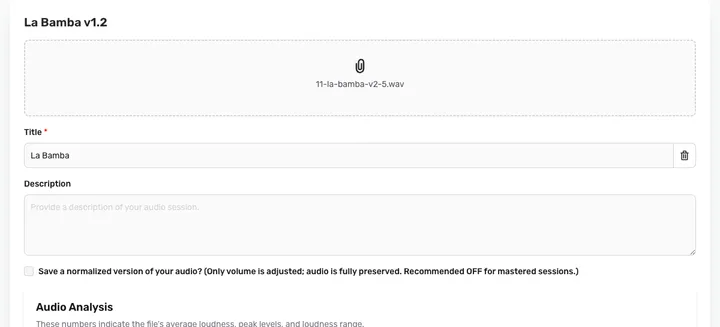
- Update the Title or Description, add a BPM or Key Signature, or toggle Save a normalized version to re-normalize the audio’s loudness.
- Click Save.
You can’t swap the audio file on an existing version — to bring in a new audio file, create a new version instead.
Admin NotesPrivate