Compare Versions
Listen to two or more versions side by side, jump between spans, and decide which mix wins.
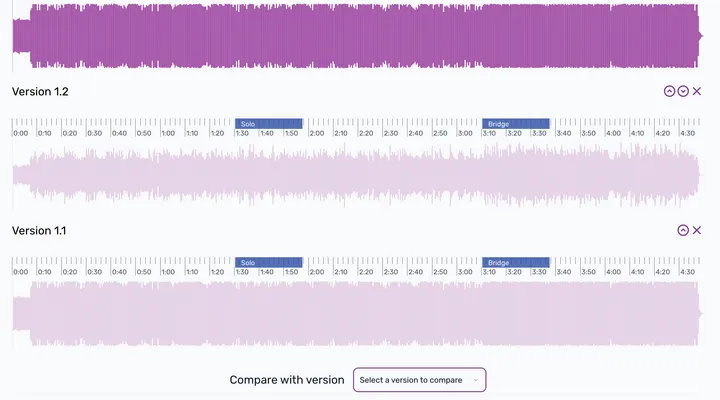
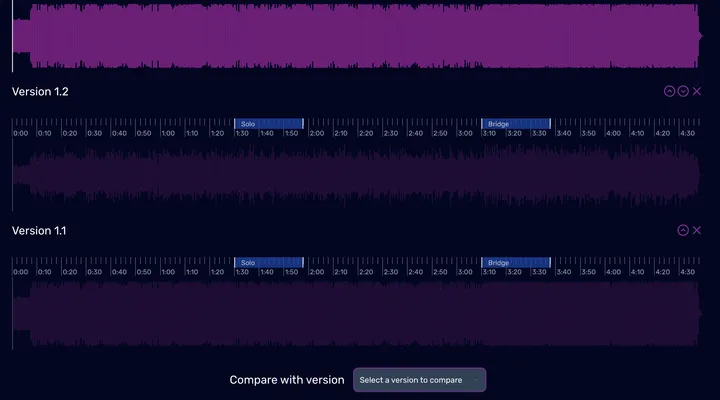
Compare lets you evaluate multiple versions of a session at once — not just A/B, but any combination.
How to compare
- Open the Versions tab.
- Check the boxes next to two or more versions.
- Click Compare.
In the compare view, the versions are stacked. Click any version’s waveform or use N / P to jump to the next or previous version.
Using spans in Compare
If you’ve added Spans to the session, they appear in the compare view. Press ] / [ to jump between spans. Enable Repeat (R) to loop the current span on each version — perfect for evaluating the same bar of music across multiple mixes.
Keyboard shortcuts
| Key | Action |
|---|---|
| N | Next Version |
| P | Previous Version |
Admin NotesPrivate